01
Create a project
Open a workspace, name the area, and set the design template: drop length, hub spacing, cable sizes, and duct.
Fiber route designer
Drop in candidate sites and the roads. FiberDesigner traces one contiguous route, places hubs and OLTs, and writes the bill of materials a feasibility review and a permit packet both need.
The homepage is public. The designer and the sample project require an account.
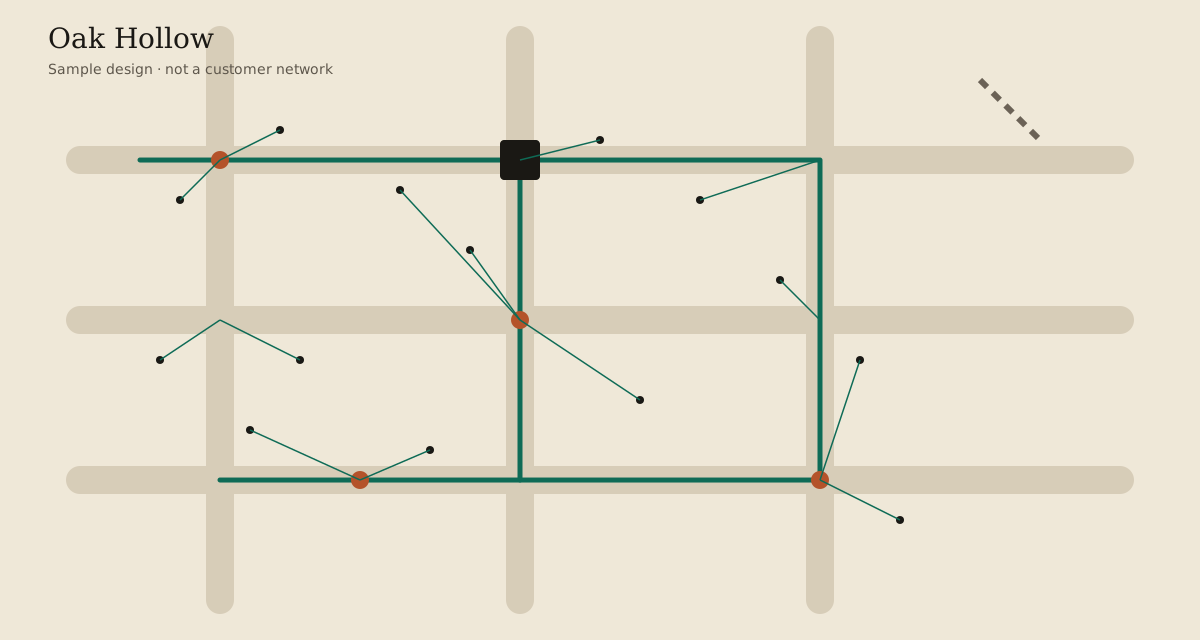
Oak Hollow, a sample design. Sign in to open the designer.
01
Open a workspace, name the area, and set the design template: drop length, hub spacing, cable sizes, and duct.
02
Bring in service locations and the road network as GeoJSON. Add On The Way homes only if you want a second design.
03
One run builds the fiber route, hubs, drops, and OLTs. The splice plan is optional and off until you ask for it.
04
Export the design GeoJSON and the bill of materials, including construction miles, bedrock depth, and railroad crossings.
The standard design chooses the fiber and the OLTs. On The Way homes are added later without moving either.
Drops land on the fiber, not on the nearest vertex. A new hub is spaced from the homes it serves.
Cable, conduit, construction miles, overlapping duct, handholes, slack, and OLT ports are separate lines.
Railroad crossings are grouped by operator. Bedrock depth is binned so you can see how much conduit is in shallow rock.
Run the served locations first. Then, if you want them, add On The Way homes on the same fiber and the same OLTs. Switch between the two bills of materials without designing the network twice.